Minecraft Texture Pack
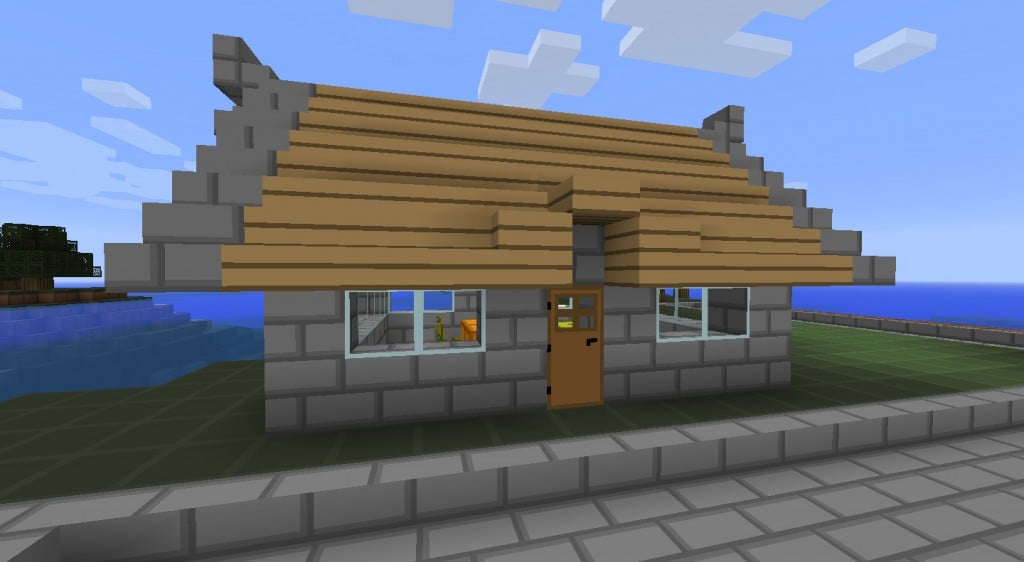 A texture pack is a collection of files that is used to change the in-game textures of blocks, items, mobs and the GUI. They are zip files that have various PNG images in them and a pack.txt. The native resolution of Minecraft's Texture is 16×16 (measured pixels in block height and width). 32×32, 64×64, 128×128, 256×256 and 512×512 are referred to as ‘HD’ and requires a 3rd party patcher to run. Official support for 16×16 texture packs was added in Alpha 1.2.2. The crash with high resolution texture packs was fixed in Beta 1.8, but they still don't work correctly with the unpatched client. In version 1.2, Minecraft supports higher resolution Texture Packs, but with a few texture bugs and no support for custom animations.
All versions of Minecraft support custom textures, although old versions require you to modify the minecraft.jar file. High resolution texture packs are supported on all versions without a patch, however certain textures have errors or may not be changed.
Steelfeathers Enchanted Texture Pack
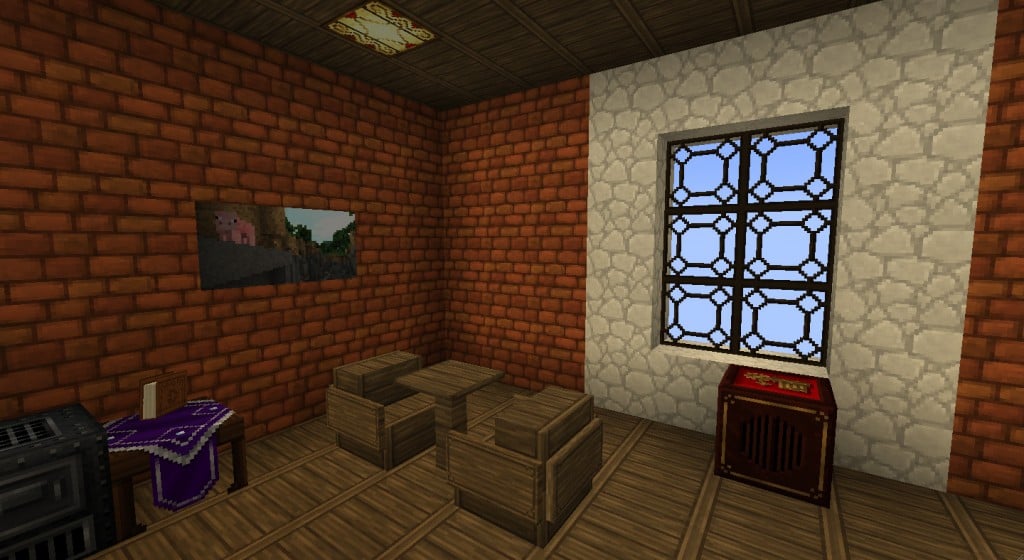
How to Install Steelfeathers Enchanted Texture Pack
1.Download Steelfeathers Enchanted Texture Pack (link below)
2.Click on start menu, Run> /%appdata%/.minecraft/texturepacks
3.Copy and Paste your texture pack (.zip file) there without unzipping
4.Open Minecraft and change your texture pack
5.HAVE FUN!
1.Download Steelfeathers Enchanted Texture Pack (link below)
2.Click on start menu, Run> /%appdata%/.minecraft/texturepacks
3.Copy and Paste your texture pack (.zip file) there without unzipping
4.Open Minecraft and change your texture pack
5.HAVE FUN!
http://www.mediafire.com/?g464njt4yca14dk
Básico Texture Pack

How to Install Básico Texture Pack
1. Download Básico Texture Pack (link below)
2. Click on start menu, Run> /%appdata%/.minecraft/texturepacks
3. Copy and Paste your texture pack (.zip file) there without unzipping
4. Open Minecraft and change your texture pack
5. HAVE FUN!

ไม่มีความคิดเห็น:
แสดงความคิดเห็น